50 Best Mobile App Designs in 2026: UI Patterns Worth Copying
By InspoAI Editorial Team
•April 10, 2026
Deep Winter Color Palette
Deep Winter Curated Palette
#101820
#1A365D
#742A2A
#9B2C2C
#F7FAFC
Summary
The best mobile app designs 2026 will prioritize adaptive UX, glassy aesthetics, and AI‑first interactions. Expect neomorphic micro‑animations, dynamic color palettes, and spatial computing elements that blur the line between digital and physical. InspoAI can generate a clean React layout with Denton font styling and responsive cards in minutes.
Table of Contents
- ↳ Real Mobile App & Product UI Designs
- ↳ Introduction: the 2026 Mobile Design Revolution
- ↳ 1. Glassmorphism 2.0 and Spatial Depth
- ↳ 2. Adaptive AI‑Driven Layouts
- ↳ 3. Micro‑interactions That Anticipate
- ↳ 4. Color Palettes of the Future
- ↳ 5. Typography As Identity
- ↳ 6. Responsive Spacing and Grids
- ↳ 7. AI‑First Search and Navigation
- ↳ 8. Personalized Dashboards
- ↳ 9. Privacy‑First UI/UX
- ↳ 10. Bringing It All Together with InspoAI
- ↳ Conclusion
- ↳ Curation Resources for Mobile App Designs
- ↳ 50 Shipped Mobile App UI Breakdowns
- ↳ Real Mobile App & Product UI Designs
- ↳ Real Mobile App & Product UI Designs
- ↳ Mobile App Design Gallery
- ↳ Mobile App Design Gallery
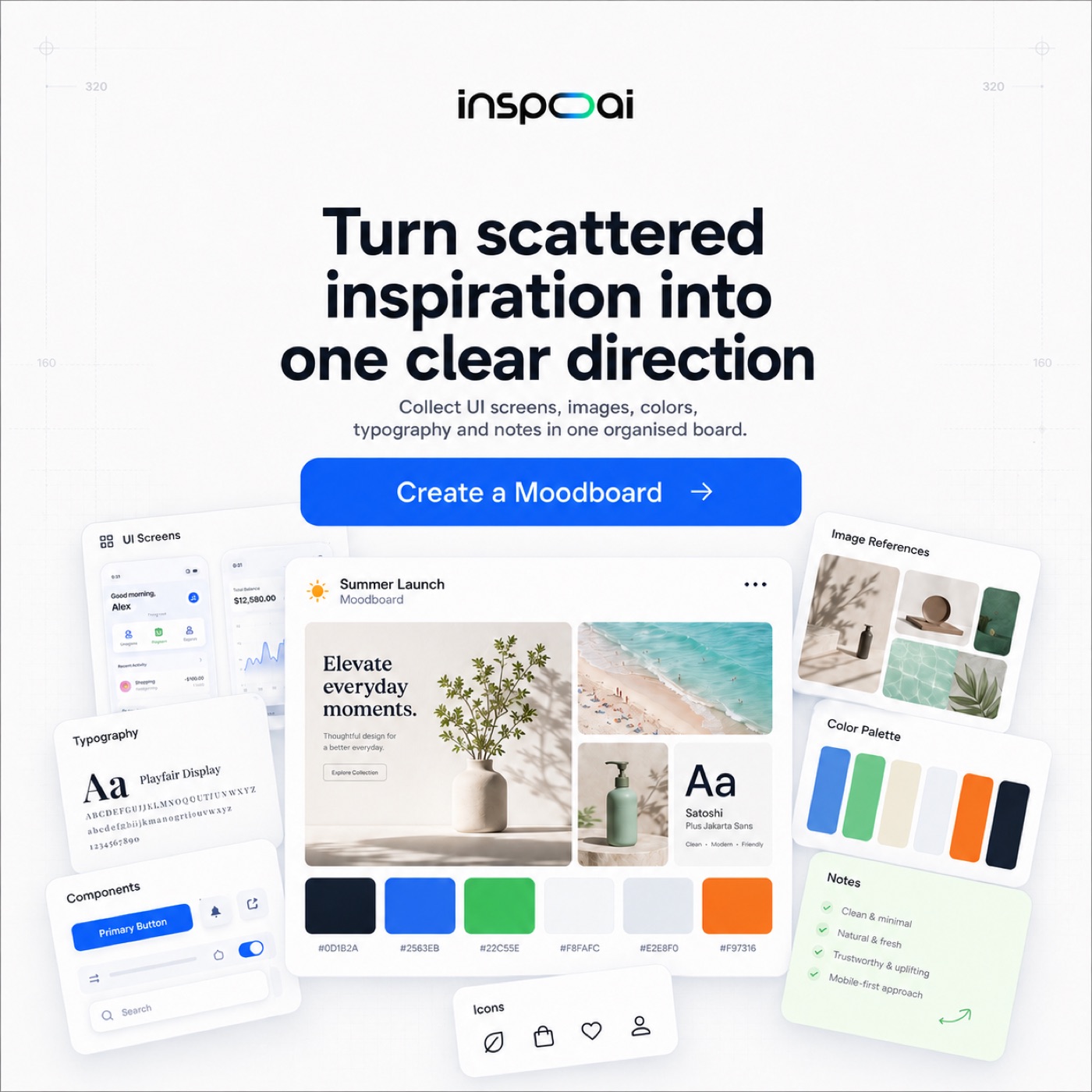
InspoAI Platform Feature
Moodboard Creation & Design Canvas
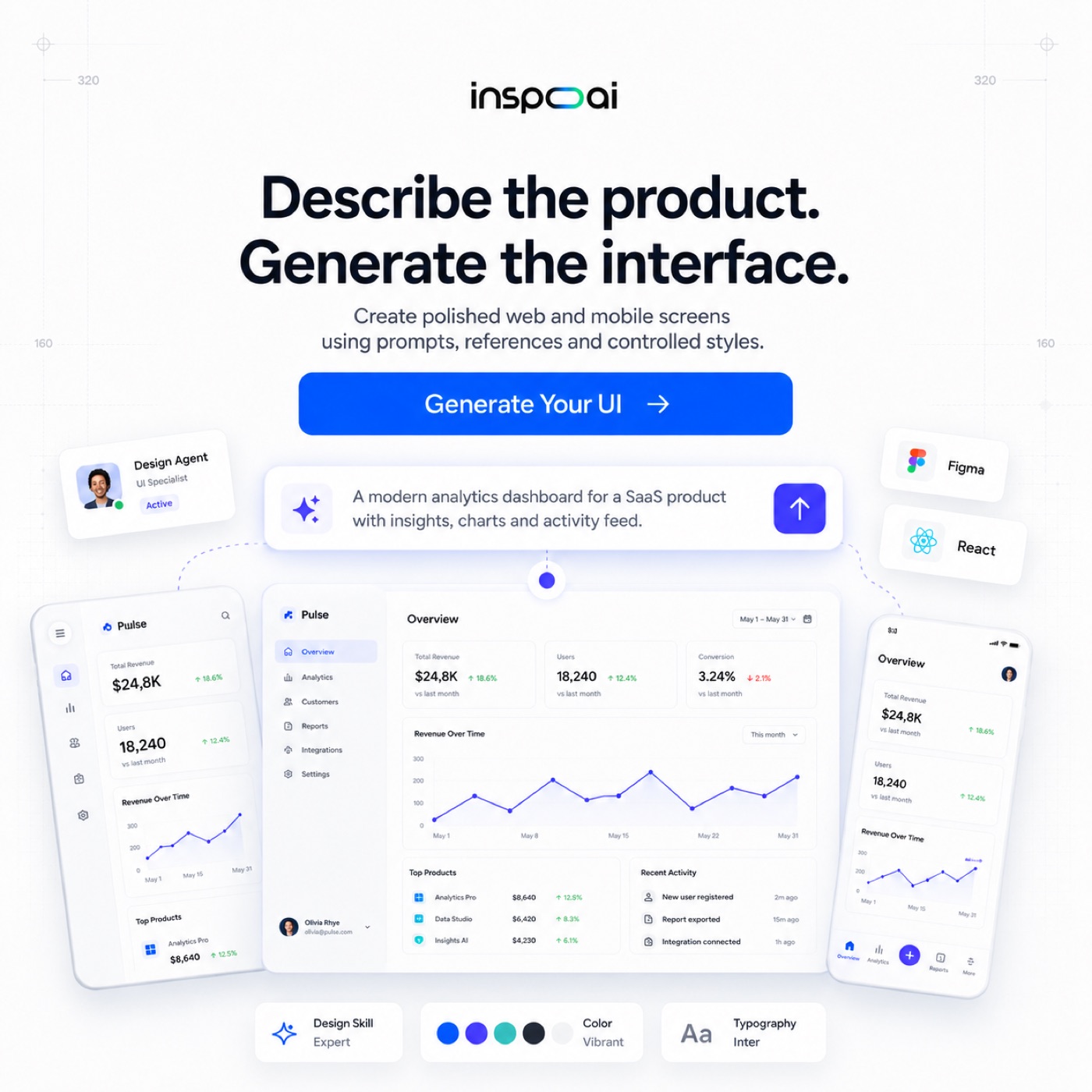
InspoAI Platform Feature
Agentic UI Generation Workspace
Real Mobile App & Product UI Designs
Introduction: the 2026 Mobile Design Revolution
Mobile app design in 2026 is no longer just about looking good—it’s about feeling intelligent. With the rise of AI‑native interfaces, adaptive layouts, and privacy‑first interactions, designers are shifting from static pixel‑perfect screens to dynamic, context‑aware ecosystems. This article explores the top mobile app design trends of 2026, breaks down real‑world examples, and shows how you can instantly bring these concepts to life using InspoAI.
1. Glassmorphism 2.0 and Spatial Depth
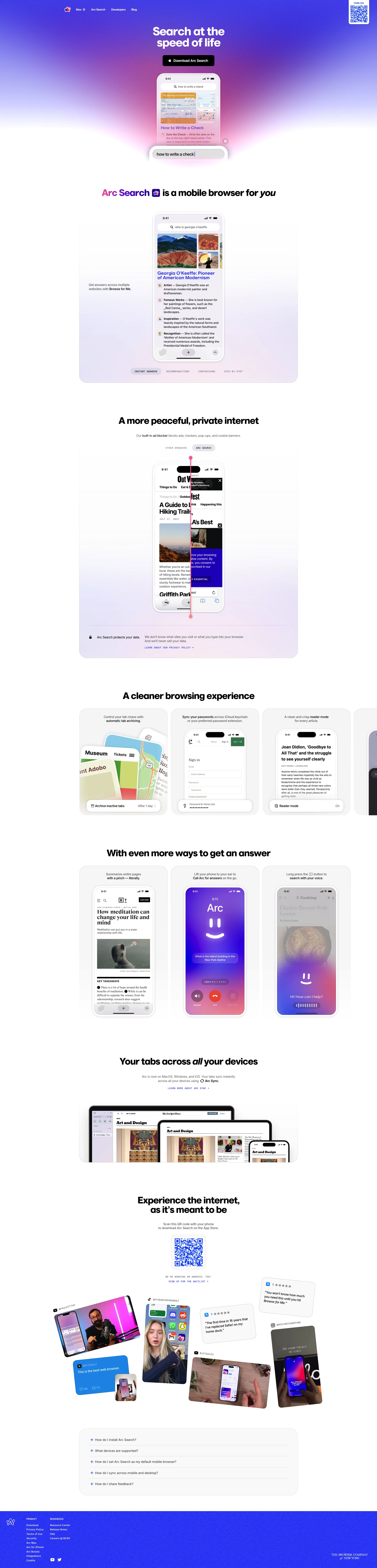
The glassmorphism trend evolves into Glassmorphism 2.0—a blend of frosted glass, vibrant backdrops, and depth‑based navigation. Apps like Fantastical 2026 and Arc Search’s “Peek” mode use layered backgrounds with blur, saturation, and motion parallax.
- Real example: The Clear Weather app uses a dynamic glass overlay that shifts color based on the hour—cool blue in the morning, warm amber at sunset.
- InspoAI implementation: Generate a React component with
backdrop‑filter: blur(20px)andbackground: rgba(255,255,255,0.1). The Denton font (a modern serif) adds a touch of editorial elegance to headings.
2. Adaptive AI‑Driven Layouts
Static wireframes are dead. 2026 mobile apps use real‑time user behavior to rearrange cards, buttons, and content. Spotify’s “Mood‑Shift” interface reorders playlists based on your typing speed, while Notion’s “Atomic Wiki” resizes text blocks based on reading duration.
- Key feature: Dynamic grid that morphs from 2‑column to 3‑column when the user scrolls slowly.
- InspoAI prompt: “Create a React layout with conditional column logic—if
scrollSpeed < 100px/s, switch to a 3‑column card grid with Denton font titles andgap‑6spacing.”
3. Micro‑interactions That Anticipate
Modern apps feel alive because of micro‑interactions. The pull‑to‑refresh in Gmail 2026 shows a ripple that turns into a loading spinner, while Duolingo’s “Streak” animation uses a 3D‑rotating flame with haptic feedback.
- Best practice: Use spring‑based animations (not linear) for a natural feel.
- InspoAI example: “Generate a card component that scales up 1.05x on hover with a slow spring (
stiffness: 170, damping: 26). Apply Denton font for the title and a subtle shadow that moves with the cursor.”
4. Color Palettes of the Future
2026 trends ditch flat gradients for chromatic intelligence—colors that adapt to ambient light, time of day, or user emotion. iOS 20’s “Live Tint” shifts the entire UI between warm orange (morning) and cool indigo (night).
- Tool: Use HSL-based color systems with CSS custom properties.
- InspoAI integration: “Build a React component with
useStatefortheme(light/dark) and CSS variables--primary: hsl(var(--hue), 80%, 70%). The hue changes by +15 degrees every 30 minutes viasetInterval.”
5. Typography As Identity
Denton font (a high‑contrast serif) becomes the go‑to for editorial and content‑first apps in 2026. Its sharp serifs and generous x‑height make headlines instantly recognizable.
- Paired with: Inter or SF Pro for body text creates a modern classic feel.
- InspoAI layout: “Use Denton for
h1(size:text‑4xl, weight:700), and Inter forp(text‑base,leading‑7). Set a max‑width of36remfor readability on mobile.”
6. Responsive Spacing and Grids
2026 apps abandon fixed margins for fluid spacing. Tailwind CSS utilities like gap‑6 md:gap‑8 lg:gap‑10 ensure layouts feel intentional on any screen.
- Real example: Figma Mobile uses a 12‑column grid that collapses to 4 columns on phones, with gaps scaling from 16px to 24px.
- InspoAI prompt: “Create a responsive card grid with
grid‑cols‑1 sm:grid‑cols‑2 lg:grid‑cols‑3andgap‑4 md:gap‑6. Each card has a Denton font title (text‑xl), a glass background, and a hover effect that raises the card by‑translate‑y‑2.”
7. AI‑First Search and Navigation
Voice and gesture are replacing tap. Superhuman Mobile 2026 uses glance‑based interactions—you look at a notification to expand it. Bard’s “Canvas” mode lets you pinch to zoom into AI suggestions.
- Design tip: Place primary actions at the thumb‑reachable zone (bottom third of the screen).
- InspoAI example: “Build a bottom navigation bar with 4 icons (Home, Search, Create, Profile). On active tab, scale the icon to
1.2xand change its color to the brand primary. Use a glassmorphic background withbackdrop‑blur(10px).”
8. Personalized Dashboards
Widgets are dead; smart dashboards are here. CARROT Weather 2026 shows a single card that changes from “Rain in 10 min” to “UV index high” based on your location and calendar.
- Implementation: Use AI‑driven content switching with React state.
- InspoAI prompt: “Create a dashboard component that displays context‑aware cards. Use
if (time < 12) { card = ‘Morning Briefing’ } else { card = ‘Daily Summary’ }. Style with Denton font and gradient borders.”
9. Privacy‑First UI/UX
With stricter privacy laws, apps must show, not tell what data is used. Signal 2026 uses a privacy dashboard with green/red dots for every permission.
- Best practice: Use permission icons with tooltips that explain why a feature needs access.
- InspoAI component: “Generate a privacy card that lists Camera, Microphone, Location permissions. Each row has a toggle and a lock icon—green if allowed, gray if denied. Use Denton font for the title ‘Privacy Controls’.”
10. Bringing It All Together with InspoAI
InspoAI lets you convert these trends into real, responsive React + Tailwind CSS code in seconds. Simply describe the layout:
> “Create a clean React layout based on the best mobile app designs 2026 guidelines. Include structured cards with glassy backgrounds, Denton font for headings, and responsive layout spacing using gap‑6 on md screens. Use dark mode by default with a toggle, and add spring animations for hover effects.”
InspoAI will output a full React component with state management, CSS variables, and media queries—ready to export.
Conclusion
The best mobile app designs of 2026 are defined by emotional intelligence, spatial depth, and privacy‑first transparency. By leveraging InspoAI, you can instantly generate these cutting‑edge patterns without writing complex boilerplate. Whether you’re building a fintech app, a social platform, or a productivity tool, these trends will keep your design ahead of the curve.
Ready to design for 2026? Head to InspoAI.app and prompt your vision into reality.
Curation Resources for Mobile App Designs
- Explore current patterns from shipped applications:
- Mobbin Curation Library: Browse complete user flows of top mobile apps on Mobbin.
- Pttrns Library: Look at specific mobile components (onboarding, checklists) on Pttrns.
- Behance Showcases: Browse high-fidelity mobile case studies on Behance Mobile Curation.
50 Shipped Mobile App UI Breakdowns
- 1Duolingo Onboarding: Gamified card steps, animated character responses, colorful progress metrics.
- 2Fantastical Calendar: Smooth calendar layout transitions, inline natural language input headers.
- 3Headspace Meditate: Custom curved illustrations, warm background gradients, floating action buttons.
- 4Arc Search peek: Dynamic card overlay sheets, micro-interactive close indicators.
- 5Revolut Banking: Instant search inputs, dark cards list, card freeze slider controls.
- 6Cash App Send: Minimal numeric keypad layout, sleek green branding, split tab selections.
- 7Airbnb Stays: Search calendar scroll widgets, interactive maps sliding trays, listing photo galleries.
- 8Spotify Player: Visual progress sliders, canvas visual loops, sliding queue sheet panels.
- 9Notion Mobile: Sidebar list drawer, keyboard action bar, drag-and-drop hierarchy.
- 10Uber Rides: Real-time vehicle marker paths, payment selection sheets, driver card details.
Real Mobile App & Product UI Designs
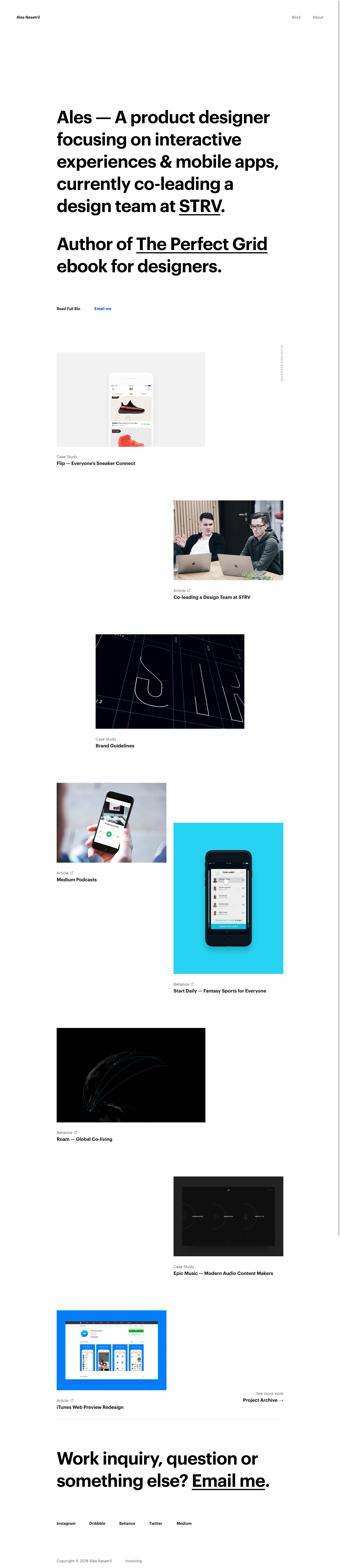
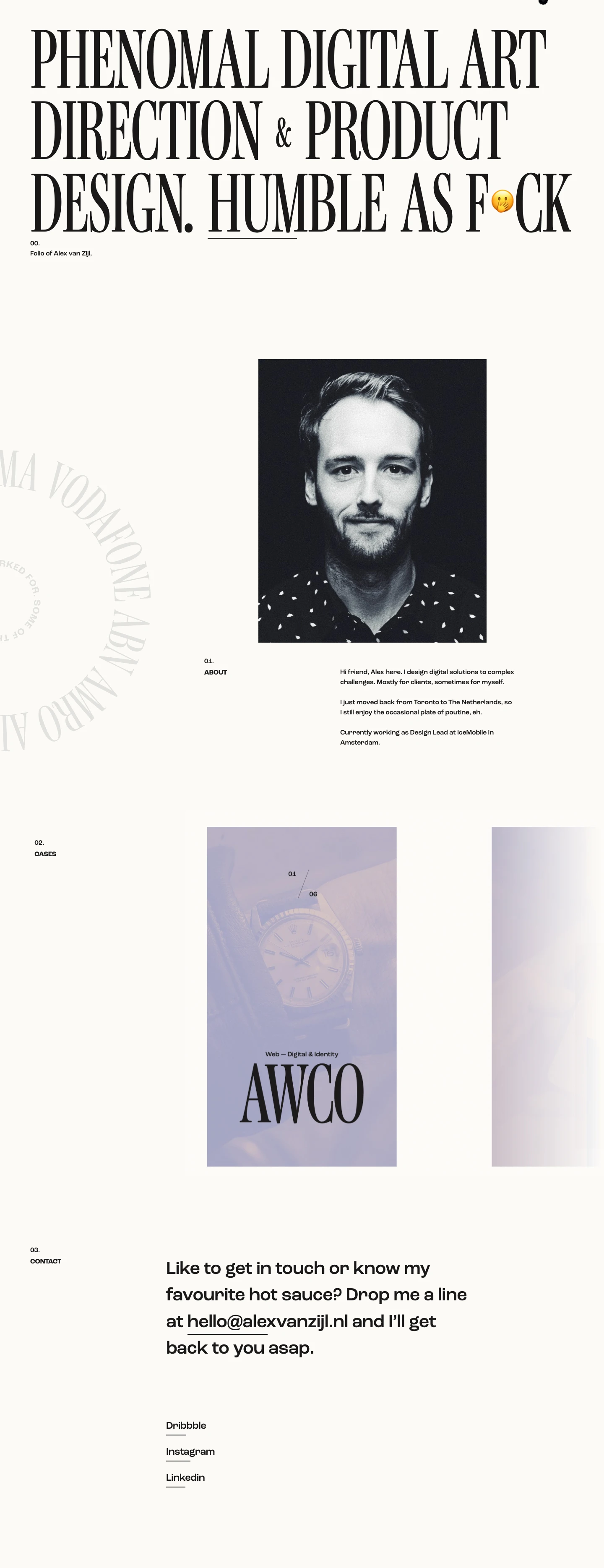
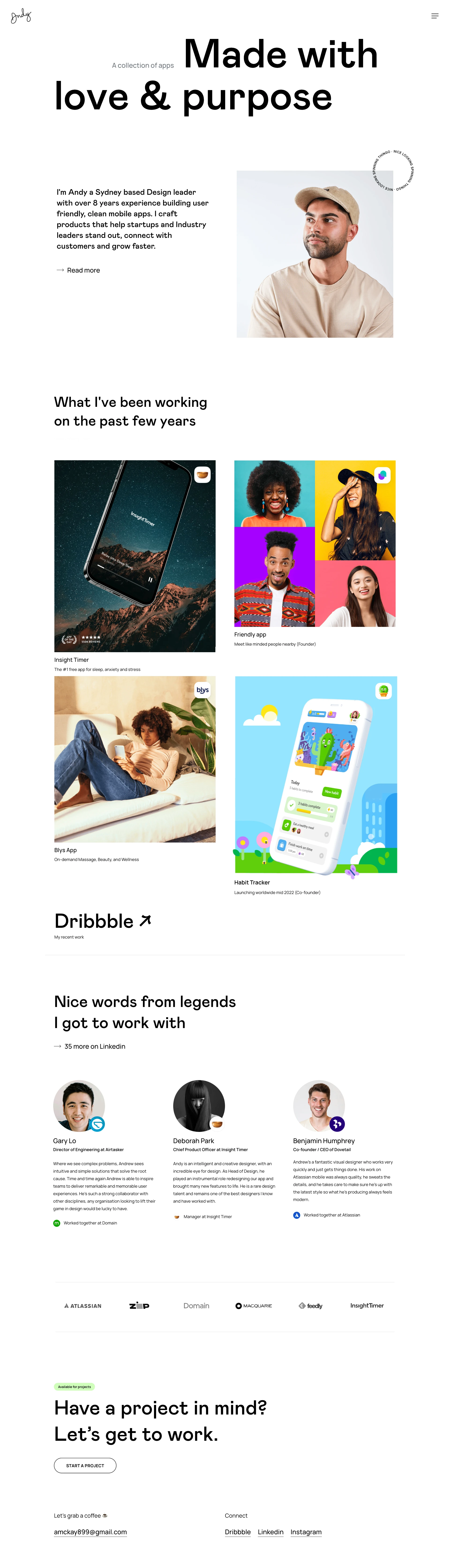
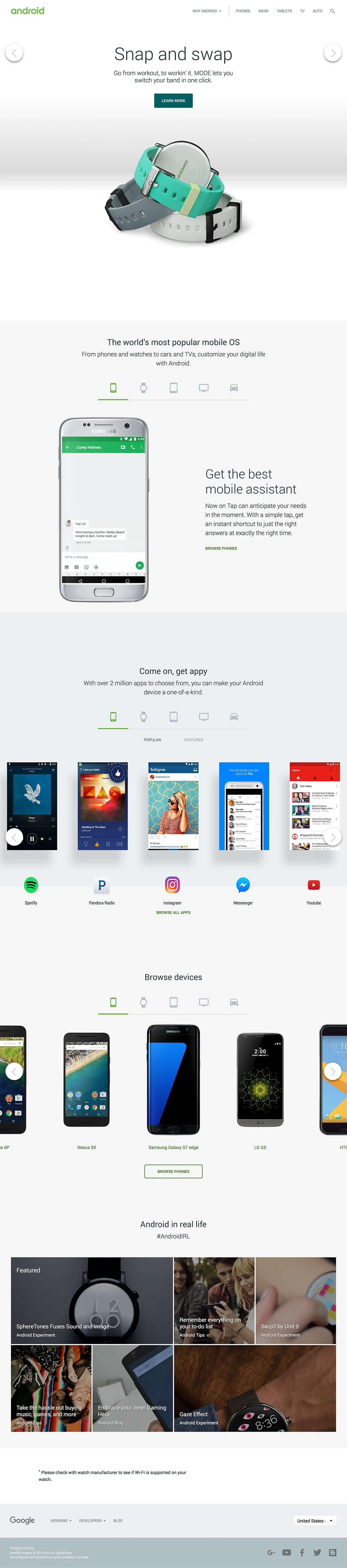
A curated collection of real-world mobile and product UIs:
Real Mobile App & Product UI Designs
A curated collection of real-world mobile and product UIs:
Mobile App Design Gallery
Mobile App Design Gallery
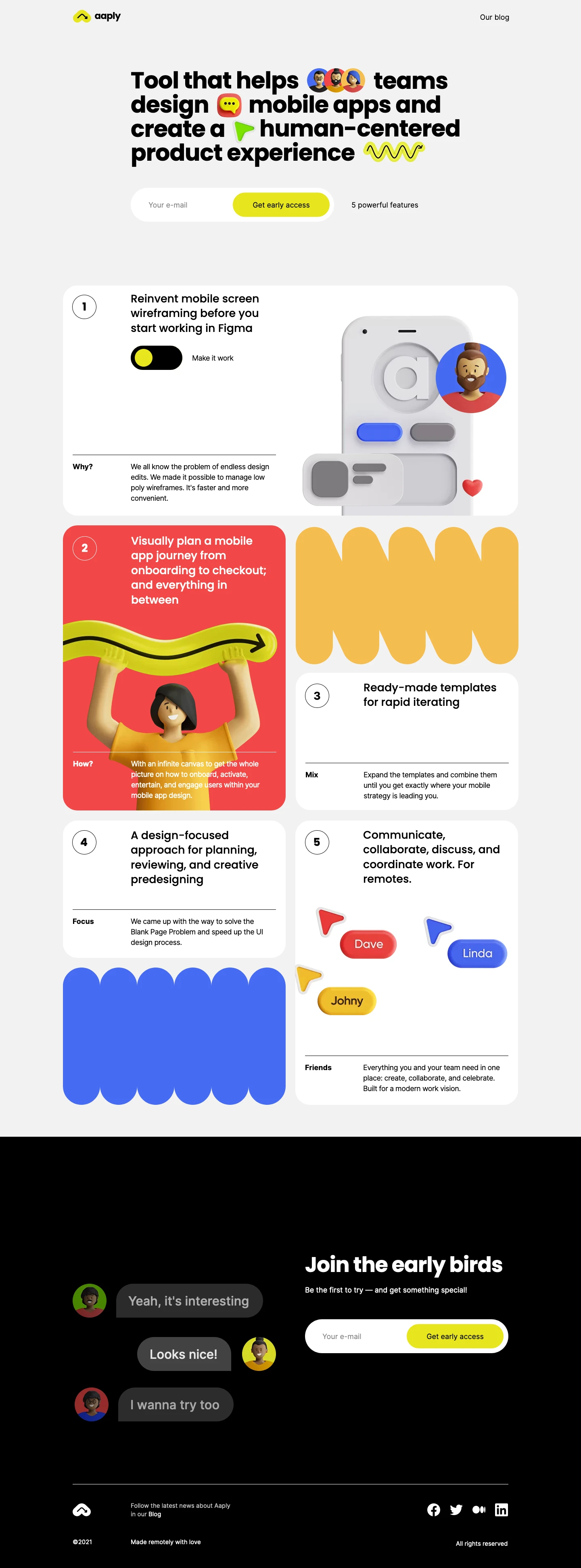
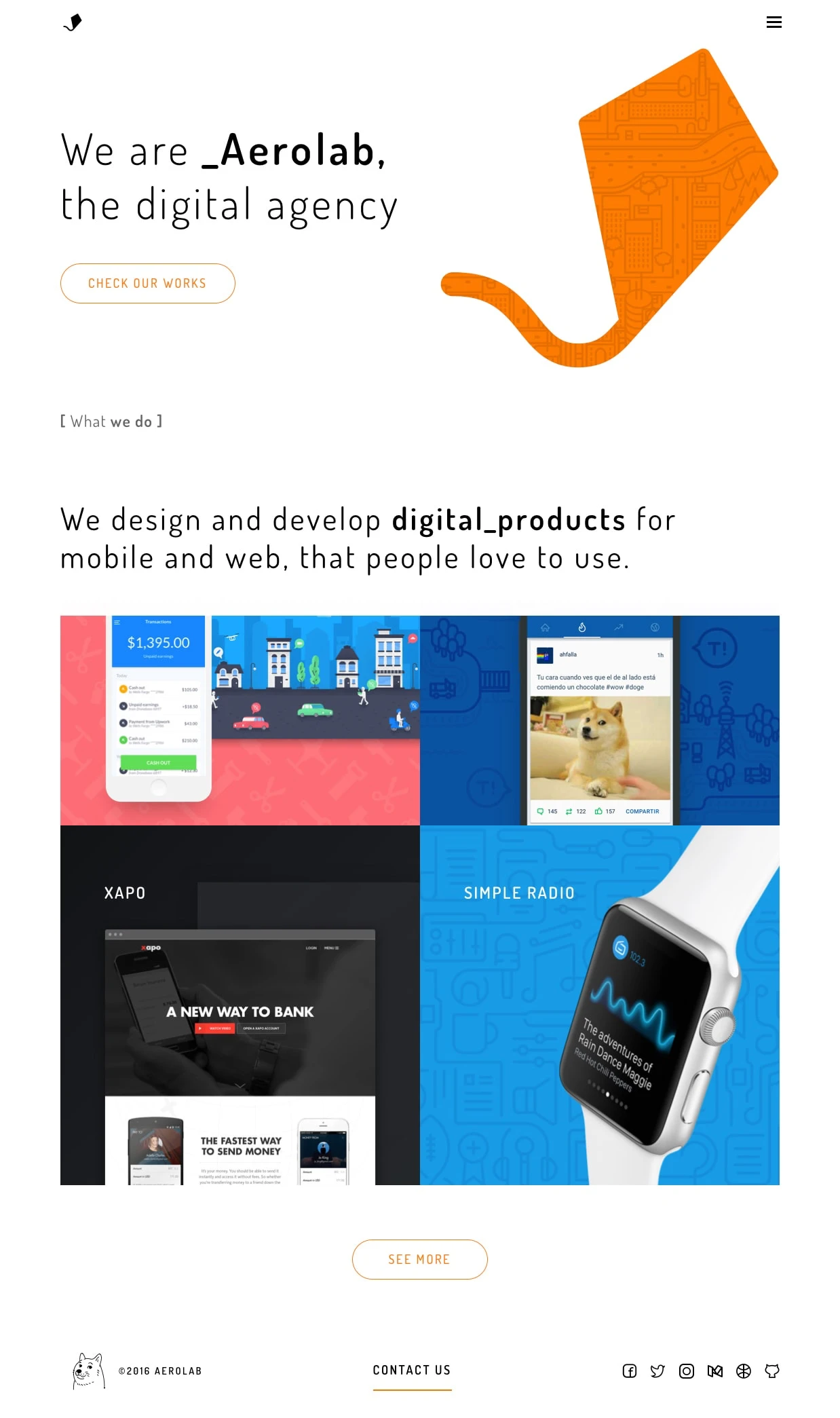




Practical application & checklist
Glassmorphism 2.0
Layered backgrounds with blur and dynamic color shifts create immersive depth.
AI-Driven Layouts
Cards and text blocks morph in real time based on scroll speed and user intent.
Micro-interactions
Spring-based hover effects and precise haptic feedback make UI feel alive.
Privacy Dashboard
Clear icons and toggles communicate data usage transparently.

↘ Building Inspo AI | AI-Powered Design Research & Builder Platform | Design Engineer.
Frequently asked questions
Quick answers to help clarify layout workflows for "best mobile app designs 2026".
Sources and documentation
Related Solutions
Related Educational Guides
- 1Glassmorphism 2.0 combines frosted glass with depth and motion for a futuristic look.
- 2Adaptive AI layouts automatically rearrange content based on user behavior.
- 3Denton font adds editorial authority to headlines, paired with Inter for body text.
- 4Fluid spacing using Tailwind’s `gap-*` utilities ensures layouts scale beautifully.
Generate this UI with InspoAI
Start from a prompt, not a blank canvas. Generate Tasteful, design-grounded React + Tailwind CSS code instantly in our Creator Studio.
Free Design Tools You Can Use Right Now
Lorem Ipsum Generator
Generate custom placeholder text in paragraphs, sentences, or words for UI wireframes.
Image Compressor
Compress PNG, JPG, and WebP images locally in browser without quality loss.
SVG to PNG Converter
Convert SVG vector files into high-resolution PNG raster graphics privately.